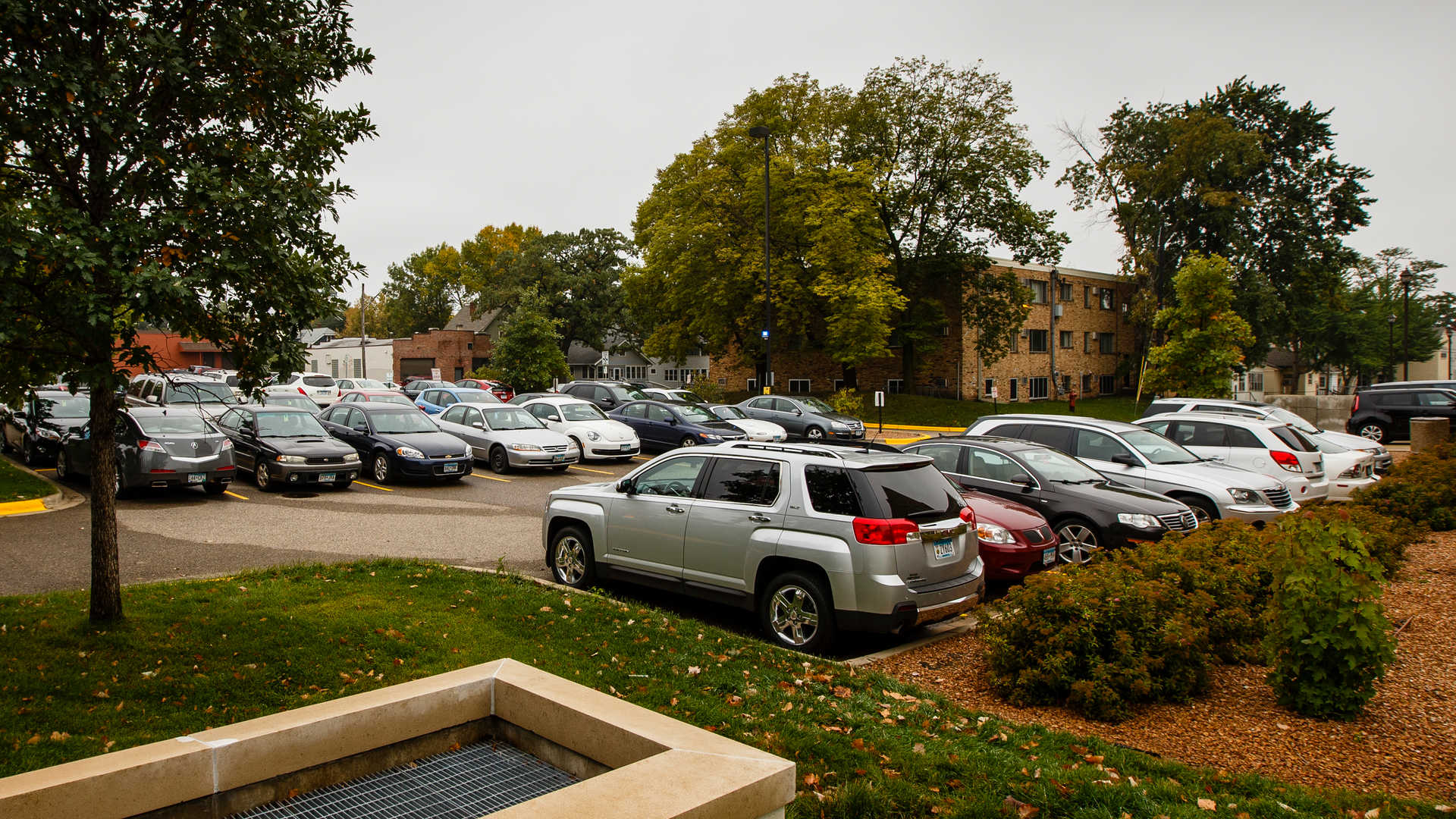
Student Parking
To qualify for a parking permit, you must have a valid St. Thomas identification card and must be currently involved in St. Thomas related business or events.
Purchasing a permit does not guarantee a parking space and a lack of parking is not a valid excuse to violate parking policies. If a space is not available closest to where you need to be, check the other available lots.
Parking enforcement is managed through license plate recognition. It is critical that permit holders have an accurate license plate number connected to their permit. Visit the Parking Portal to verify that your license plate information is up to date.
On this page
Resident Student Permit
The Resident Student Permit is $610 per year.
Parking permits for residents are issued through a lottery system, with priority given to seniors, followed by juniors and then sophomores. Class status is based upon "cohort" not on "academic credits". Because on-campus parking is limited, first-year students are not eligible for a permit unless they qualify for a medical or military exception. Students with questions or qualifying circumstances should contact parking@stthomas.edu.
Please see the parking portal for upcoming lottery dates and deadlines.
Students will be notified of lottery results by email. Students who are awarded a resident parking permit will receive instructions on acceptance and necessary vehicle information. Failure to accept the resident permit within the stated deadline will result in forfeiting the resident permit offer.
Parking permit areas
- Morrison Parking Ramp R3 (North Campus)
- Morrison Parking Ramp R2 (back half only) - labeled at "arches" to back half of R2 (North Campus)
- Lot C (North Campus - surface lot just north of Flynn Hall)
- Lot L (Center Campus)
- Lot U (Center Campus)
How to enter the lottery
- Log in to the Parking Portal using your St. Thomas network credentials.
- On the bottom right side of the page, select “Add/Edit Waitlists.”
- Review the information on the next page and click “Next.”
- You will see any available lotteries for which you are eligible. Select “Add.”
- You will see one waitlist corresponding to your class year (senior/graduate, junior or sophomore).
- Click “Done.” A receipt will appear confirming the waitlist you added.
Commuter Student Parking Permits
St. Paul Commuter Permit
- The Commuter Permit is only for students who live off-campus and does not include overnight parking from 2-5 a.m.
- The St. Paul Commuter Permit is $252.50 per year or $137.50 per semester. It is valid from 5 a.m. to 2 a.m.
- The St. Paul Evening Permit is $164 per year or $85 per semester. It is valid from 4 p.m. to 2 a.m.
- J-term commuter parking permits are available for $38.50
Parking permit areas
- Surface Lots A, B, D, G, I, K, O (Yellow Designations)
- Anderson Parking Facility (APF) - all levels
- Morrison Garage R2 - front half area only
Minneapolis Commuter Permit
- The Minneapolis Commuter Permit is $500 per year or $252.50 per semester
- Summer permits are available for $159.50
Students taking at least 12 undergraduate credits or 6 graduate credits in Minneapolis, and who are on campus between 7 a.m. and 5 p.m., are eligible to purchase a Minneapolis ramp parking permit. Final eligibility for full-time permits is determined by the Transportation and Parking Office.
Parking permit areas
- 11th St. and Harmon Place Ramp
- All St. Paul campus commuter parking lots and ramps
Daily Parking Permits
A daily option is available through the Parking Portal for $13. The daily option cannot be purchased at pay stations, only through the Parking Portal. The daily option is only valid in the Anderson Parking Facility (APF) and is not valid for overnight parking.
How to purchase a commuter permit
- Log in to the Parking Portal using your St. Thomas network credentials.
- Select "St. Thomas Login" and use your St Thomas email address and network password
- Click "Get Permits" near the bottom of the page.
- Read the instructions on the following page and click "Next".
- Select the permit you wish to purchase.
- Agree to the policy statements and click "Next".
- Select a vehicle already on your record or click "Add Vehicle."
- To add a vehicle, enter and confirm the vehicle license plate number.
- Complete the remainder of the vehicle information.
- Click "Next".
- Your method of payment will be automatically selected as "Student Account" for students.
- Click "Pay Now".